Key features to compare in smart doorbells with facial recognition
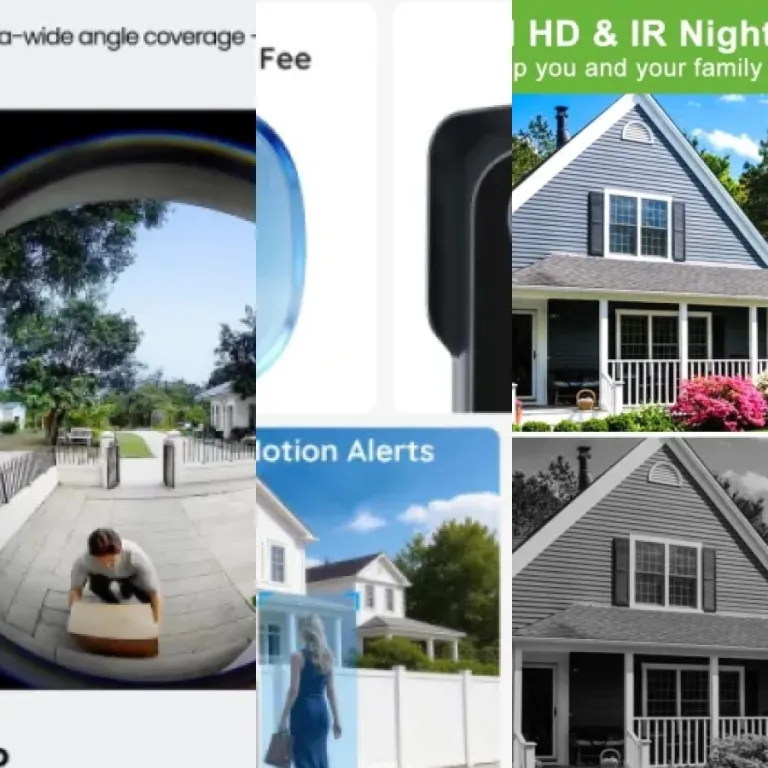
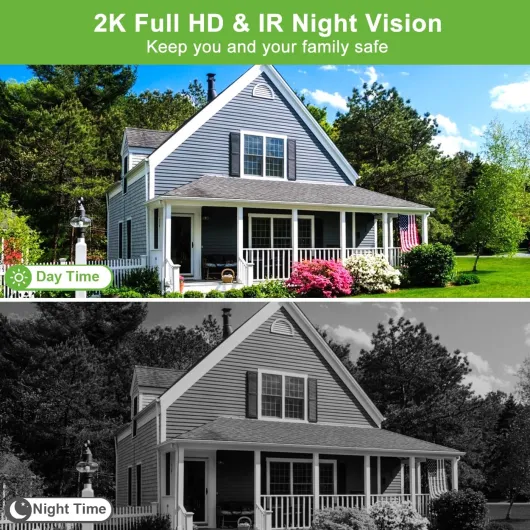
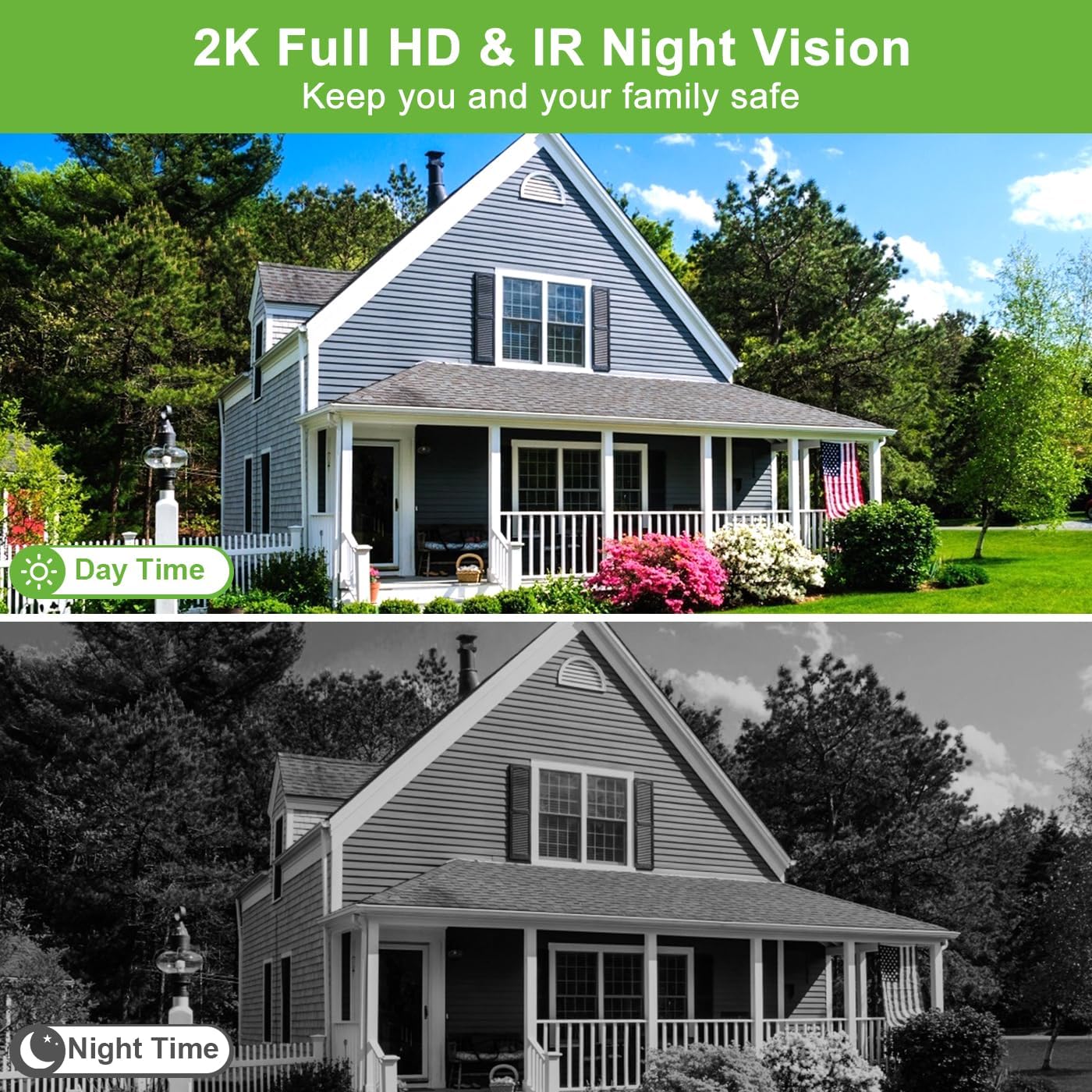
When comparing the best smart doorbells with facial recognition, start with the camera hardware. Look for a video doorbell or Nest Doorbell model that records at least 1080p video, offers reliable night vision, and provides a wide field of view so you can see packages on the ground as well as people’s faces. High quality video from these cameras is essential because facial recognition accuracy depends heavily on clear images in both daylight and low light, and grainy footage can turn advanced detection into guesswork.
Next, examine how each smart doorbell handles storage and subscription plans. Some doorbell cameras rely mainly on cloud storage, where video footage is uploaded to remote servers and accessed through a monthly subscription, while others support local storage through a microSD card or internal memory card. A few of the best video doorbells combine both cloud and local options, letting you keep critical security footage on a local card while still benefiting from cloud based smart alerts and advanced familiar faces recognition features, which can be especially useful if your internet connection is unreliable.
Power and connectivity also matter more than many people expect. A doorbell wired directly to your existing chime can provide continuous power for the camera and reduce worries about battery recharging, but battery powered smart doorbells are easier to install on doors, gates, or even a storm door frame. If you are mounting a video doorbell camera on glass or near a screen door, practical guides such as this one on mounting a doorbell through a storm door or glass panel can help you avoid signal and field of view problems that might affect detection, including reflections that confuse motion sensors or obscure faces.
Top ecosystems: Ring, Google Nest, and Tapo style options
Choosing among the best smart doorbells with facial recognition often means choosing an ecosystem. The Ring range from Amazon focuses on tight integration with Amazon Alexa, strong cloud storage options, and a broad line of compatible security cameras and video doorbells. By contrast, the Google Nest Doorbell leans on Google’s expertise in AI, offering refined familiar faces recognition and deep integration with other Google Nest security cameras and Alexa or Google Assistant style voice control setups, which can be helpful if you already use smart speakers or displays in several rooms.
Ring Video Doorbell models such as the Ring Video Doorbell 4 (typically around $220 / £200 in early 2024, according to Amazon listings at that time) excel for people who already use Amazon Alexa speakers and displays. When someone presses the doorbell, your Echo Show can display live video, and smart alerts can announce which doorbell camera is ringing in different rooms. However, Ring’s most advanced facial recognition style features and extended video storage typically require a paid Ring Protect subscription, and all footage is stored in the cloud rather than on a local microSD card or internal card, which may not suit buyers who prioritise local only recording.
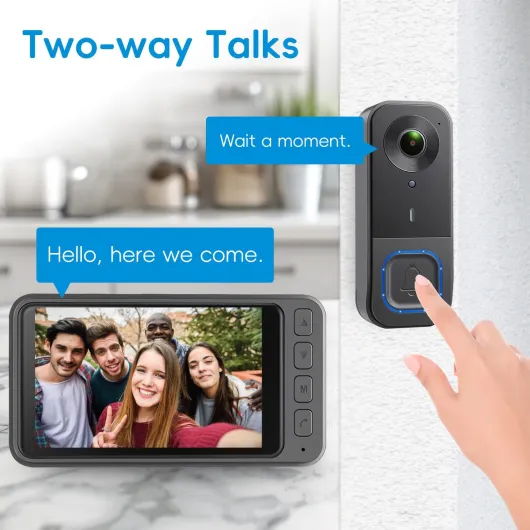
The wired and battery versions of the Nest Doorbell, including the Nest Doorbell (battery) which commonly retailed near $180 / £180 based on Google Store pricing in 2024, take a different approach. Google Nest devices can process some detection tasks locally, and their familiar faces feature lets you label regular visitors so that smart alerts specify who is at the door when the camera recognises them. For readers who want to compare these ecosystems with alternatives such as Tapo smart doorbells that emphasise local storage, a curated overview like the one on top smart doorbells with facial recognition can clarify which video doorbell cameras align best with your privacy expectations and budget, especially if you prefer to avoid mandatory subscriptions.
Cloud storage versus local storage: what really protects your privacy
Every buyer comparing the best smart doorbells with facial recognition eventually confronts the question of where video is stored. Cloud storage offers convenience, because your video doorbells automatically upload clips to remote servers where you can access them from any device, but this usually requires a recurring subscription. Local storage, often through a microSD card or built in memory card inside the smart doorbell, keeps video storage physically in your home and can reduce long term costs, though it shifts more responsibility for backups and security to you.
Cloud based systems from brands such as Ring and Google Nest make it easy to share video clips with neighbours or law enforcement when a security incident occurs. These smart doorbells can store weeks of video from multiple cameras, and advanced detection features like familiar faces recognition are often processed in the cloud for higher accuracy. The trade off is that your doorbell cameras depend on a stable internet connection, and you must trust the provider’s security practices for protecting your video doorbell footage, including how long clips are retained and who can request access.
Local first designs, including some Tapo style smart doorbells and other doorbell wired models, appeal to people who want tighter control over their data. When the camera records video directly to a microSD card, you can remove the card and archive important clips without any subscription or cloud access, though you must also manage the risk of theft or damage to the card. Many of the best smart doorbells with facial recognition now offer hybrid setups, combining encrypted local storage with optional cloud backups so that security cameras can keep working even if your internet or power fails, and so you still have off site copies if the device itself is stolen.
Installation, power, and placement for reliable facial recognition
Even the best smart doorbells with facial recognition will struggle if they are installed poorly. Facial recognition depends on the camera capturing clear, front facing images of people’s faces, which means your video doorbell should be mounted at roughly 1.2 to 1.5 metres from the ground and angled slightly downward. A wide field of view helps the camera see both tall and short visitors, but careful placement is still essential for accurate detection, especially if you have steps leading up to the door or a narrow porch.
Deciding between a doorbell wired to your existing transformer and a battery powered smart doorbell affects both reliability and maintenance. Wired doorbells provide continuous power, which is ideal for high resolution video recording, constant night vision, and always on security cameras that support facial recognition, while battery models offer flexible placement on gates, fences, or secondary entrances. If you choose a battery powered doorbell camera, check how often the battery needs recharging when recording frequent video clips and smart alerts, especially in cold weather where battery performance can drop and a typical three to six month estimate may shrink to just a few weeks.
Placement also influences privacy and how neighbours perceive your security setup. Aim your doorbell cameras so that the camera focuses on your own property and front path rather than directly into neighbouring windows, and use privacy zones in the app to block parts of the video frame that should not be recorded. When you combine thoughtful placement with robust storage choices and clear communication about how familiar faces data is handled, your smart doorbell becomes a respectful, effective part of your wider home security system, rather than a source of tension on the street.
Balancing subscriptions, costs, and long term value
Price comparisons for the best smart doorbells with facial recognition must go beyond the sticker cost. Many smart doorbells are sold at attractive prices but rely heavily on a monthly subscription for cloud storage, advanced detection, and extended video history, which can significantly increase total cost over several years. Before buying, calculate how much you are willing to spend on ongoing video storage and smart alerts, and whether you prefer cloud or local options, then compare that figure with the expected lifespan of the device.
Ring and Google Nest ecosystems typically offer tiered subscription plans that unlock features such as familiar faces recognition, rich notifications, and longer retention of video doorbell footage. These subscriptions can be excellent value if you run multiple security cameras and doorbell cameras around your property, because one plan may cover several devices, but they are less appealing for people who want a single doorbell camera with minimal recurring costs. In contrast, some Tapo style smart doorbells and other brands emphasise local storage on a microSD card, allowing basic detection and night vision recording without any subscription, though cloud storage may still be available as an optional upgrade for people who later decide they want remote access or longer history.
Think about how you actually use your front door and who visits regularly. If you receive frequent deliveries and want detailed video clips of every package drop off, a robust cloud storage plan with long video history might be worth the investment. If you mainly care about being notified when specific people arrive and prefer to keep video local on a card inside the smart doorbell, a model that supports flexible local storage and efficient battery or wired power will likely deliver the best long term value, especially when combined with sensible settings that limit unnecessary recordings.
Security, ethics, and everyday use of facial recognition doorbells
Facial recognition in the best smart doorbells with facial recognition raises important questions about privacy and ethics. When your video doorbell learns familiar faces, it is creating a biometric profile of people who visit your home, so you should understand how that data is stored, whether it is encrypted, and how easily it can be deleted. Responsible brands explain clearly whether recognition happens on the camera itself or in the cloud, and they provide tools to manage or erase stored profiles, often through a dedicated privacy or security section in the app.
From a security perspective, these smart doorbells can significantly reduce false alarms and help you respond faster to real threats. Smart alerts that say “familiar face seen” or “unknown person detected” allow you to decide quickly whether to speak through the camera, call a neighbour, or contact authorities, especially when combined with other security cameras around your property. At the same time, you should inform regular visitors that a doorbell camera is in use, and consider disabling facial recognition for people who are uncomfortable with biometric tracking, or for situations where you only need basic motion alerts.
Used thoughtfully, facial recognition can make everyday life smoother rather than more intrusive. Parents can receive a quiet notification when children arrive home from school, while carers can check that elderly relatives have safely reached the house without reviewing hours of generic video. By pairing clear communication with careful choices about storage, subscription plans, and whether to use a doorbell wired or battery powered model, households can enjoy the benefits of smart doorbells while respecting the rights and expectations of the people they welcome, and still retain the option to adjust or disable features over time.
Key statistics on smart doorbells and facial recognition
- According to market research from Strategy Analytics, global shipments of video doorbells and related smart doorbells grew by more than 25 percent in a recent twelve month period, reflecting rapid adoption of connected security cameras at the front door (Strategy Analytics, Smart Home Devices report, 2022, summary figures reported in industry press).
- Consumer surveys from the United States and Europe report that around 40 to 50 percent of smart doorbell owners pay for at least one cloud storage subscription, highlighting how ongoing video storage costs influence long term value calculations (Parks Associates, Connected Home study, 2021–2023, as cited in smart home market overviews).
- Independent testing by organisations such as Consumer Reports has shown that facial recognition accuracy on leading video doorbell cameras can exceed 90 percent in good lighting, but performance drops significantly in low light without strong night vision capabilities (Consumer Reports smart doorbell tests, 2021, summarised in public test notes).
- Studies on privacy attitudes indicate that more than one third of people are concerned about how familiar faces data from smart doorbells and security cameras is stored and shared, which is pushing manufacturers to expand local storage options and clearer data controls (European Union Agency for Fundamental Rights, facial recognition survey, 2020, headline findings).